

I just wrapped a 3-month contract at Intuit, where I was brought in to rebuild their accessibility training from the ground up. Accessibility, if you’re not familiar with it, is the practice of ensuring digital products work for everyone, including people with disabilities. Think: can a blind person use a screen reader to navigate your app? Can someone who can’t use a mouse still complete a purchase?
What I found when I got there was a… piece of work. But an interesting piece of work. Here’s what we built and why it matters.
The Wiki-Maze Problem
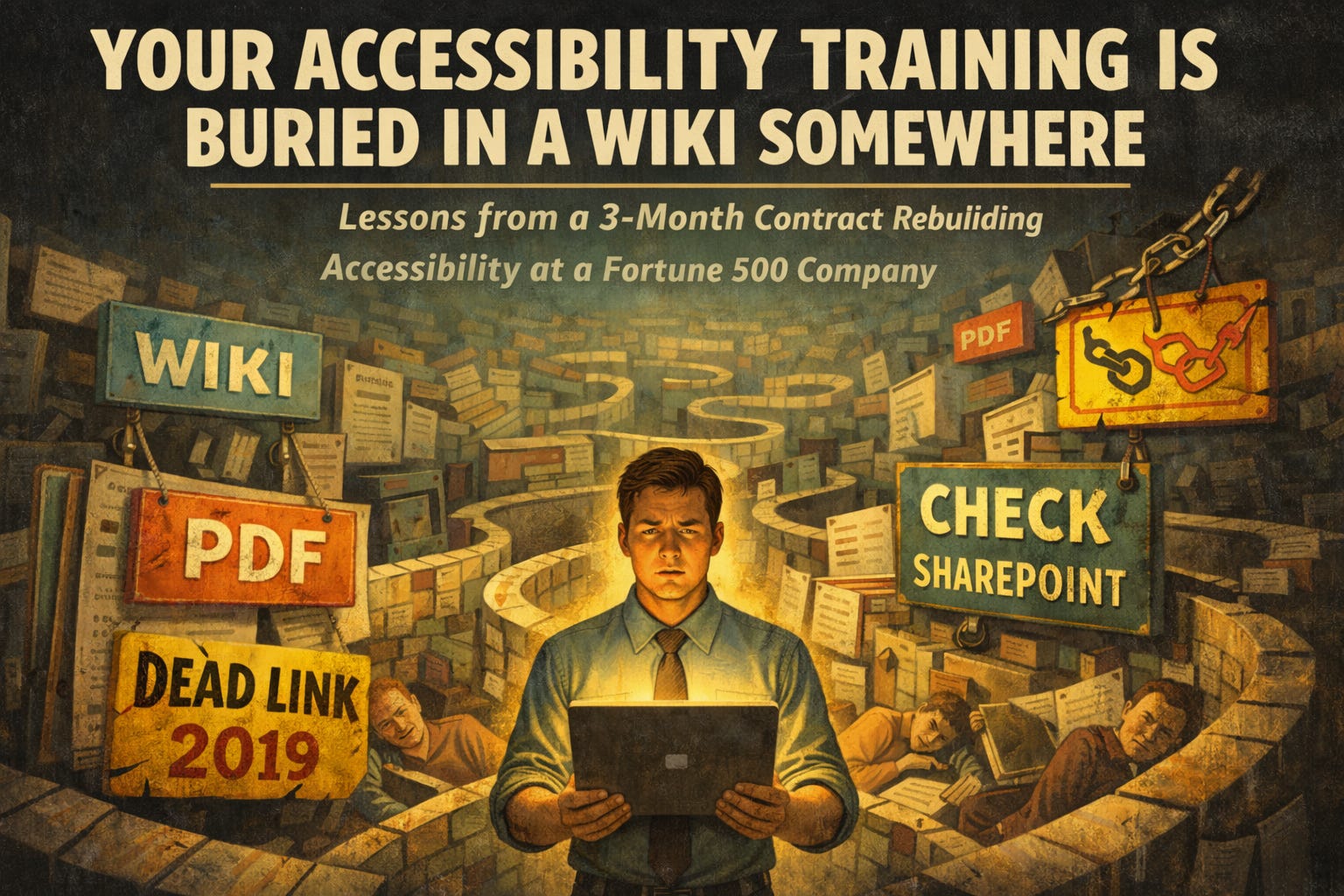
Here’s what accessibility training looks like at most large companies: someone tells you to “check the wiki.” The wiki links to a PDF. The PDF links to a SharePoint. The SharePoint links to a dead URL from 2019. You give up and go back to shipping code.
One Intuit employee put it better than I could:
“I am an employee who wants to learn more about accessibility... I am trying to access some of the links, but they are outdated, confusing, and sometimes broken. Because the content is not owned by the accessibility team... it makes me feel like I can’t finish the training.”
That’s not a training problem. That’s a structural one. The knowledge exists. It’s just scattered across twelve platforms, owned by nobody, and decaying in real time.
So we killed the wiki-maze. We replaced it with a centralized system built on a 5-tag taxonomy that maps every single asset to a specific role and a measurable result. No more scavenger hunts.
AI is Your Synthesizer, Not Your Author
We used NotebookLM and Gemini to digest years of scattered internal docs. What would’ve taken months took weeks.
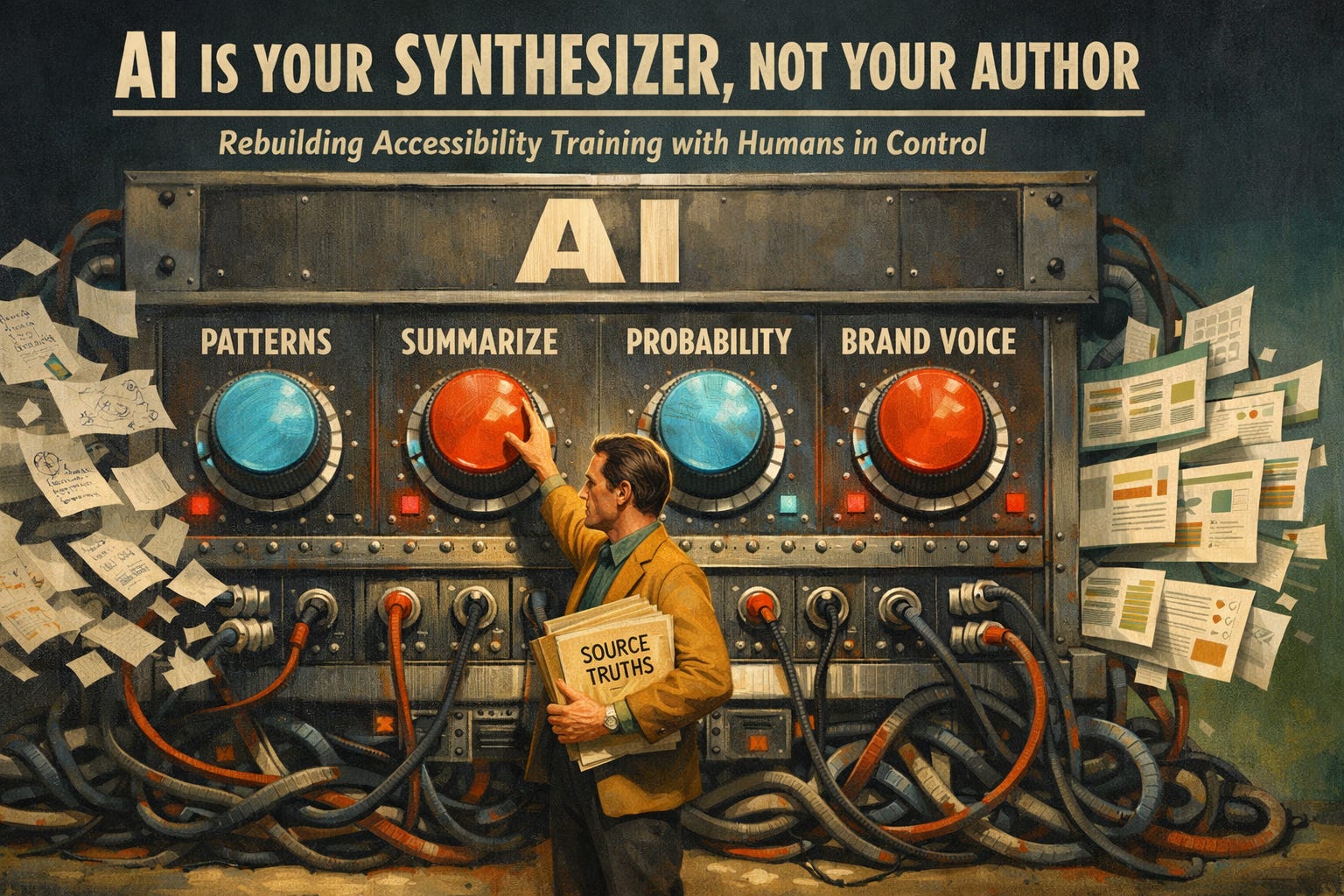
But here’s the thing nobody wants to say out loud about LLMs: they’re stochastic. Probabilistic. Fancy word for “they guess.” And guessing is a terrible foundation for curriculum consistency.
So we didn’t let the AI write the course — at least, not using its default voice. We let it read everything, organize the mess, and surface patterns. Then we grounded it with a manifest of source truths and a custom prompt architecture that forced the AI to speak in the company’s brand voice instead of whatever default LinkedIn-post energy it wanted to use.
So, lessons are synthesized by AI, but authored by humans. That distinction matters more than most teams realize.
The 1-Minute Lesson
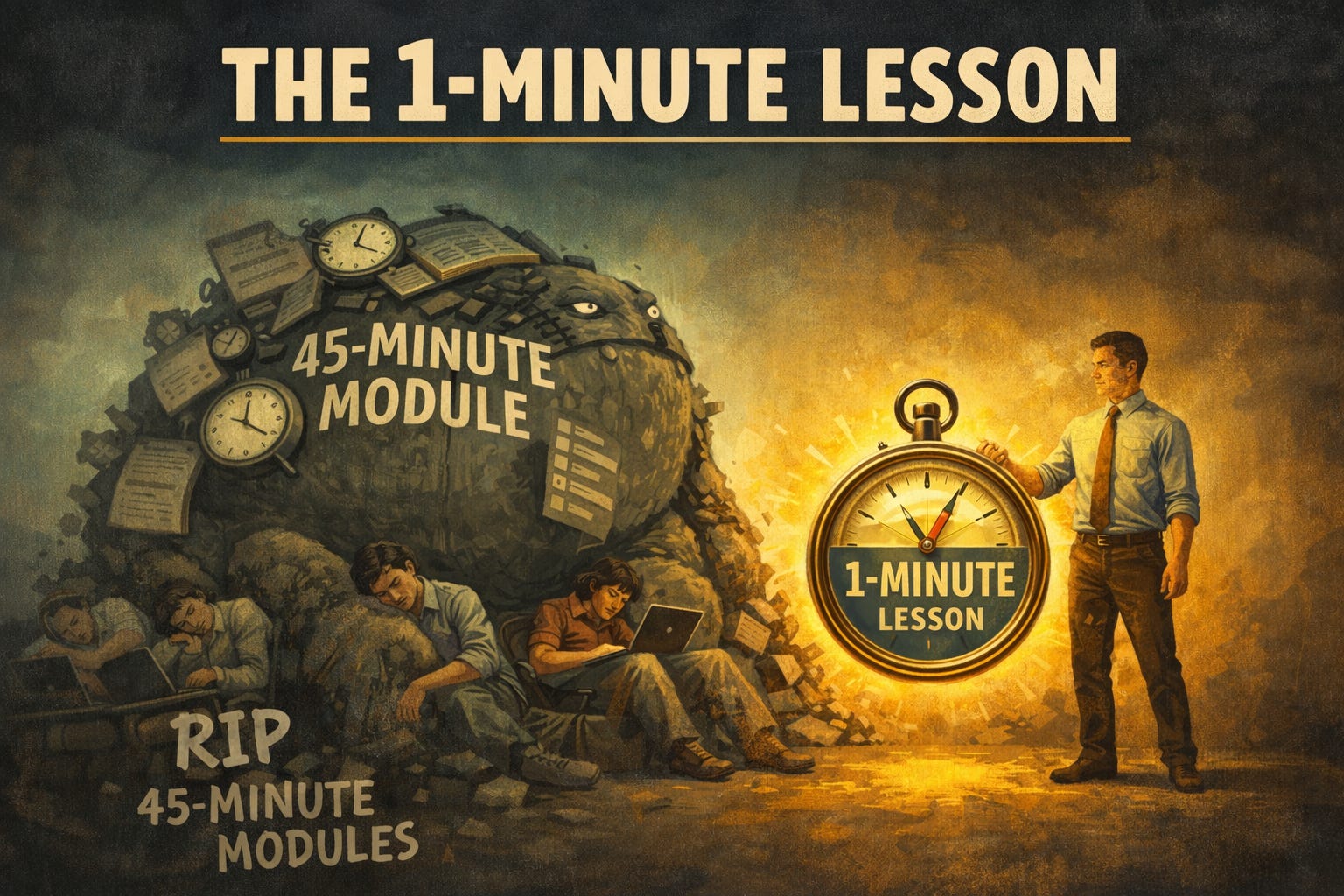
Corporate training loves the 45-minute module. Corporate employees hate the 45-minute module. Adult learners in high-pressure environments drop off hard after 20 minutes. (I’d argue it’s closer to 10, but the research says 20, so let’s be generous.)
Every module we built follows strict limits: 1 to 3 minutes per lesson, max 4 content blocks, max 1 interactive element. That’s it. Scannable, actionable, fast. The taxonomy handles targeting, so we only serve content relevant to your role. You learn in the flow of your actual work, not during some mandatory two-hour block you’re half-watching while eating lunch.
Ditch the Acronyms, Focus on Behavior
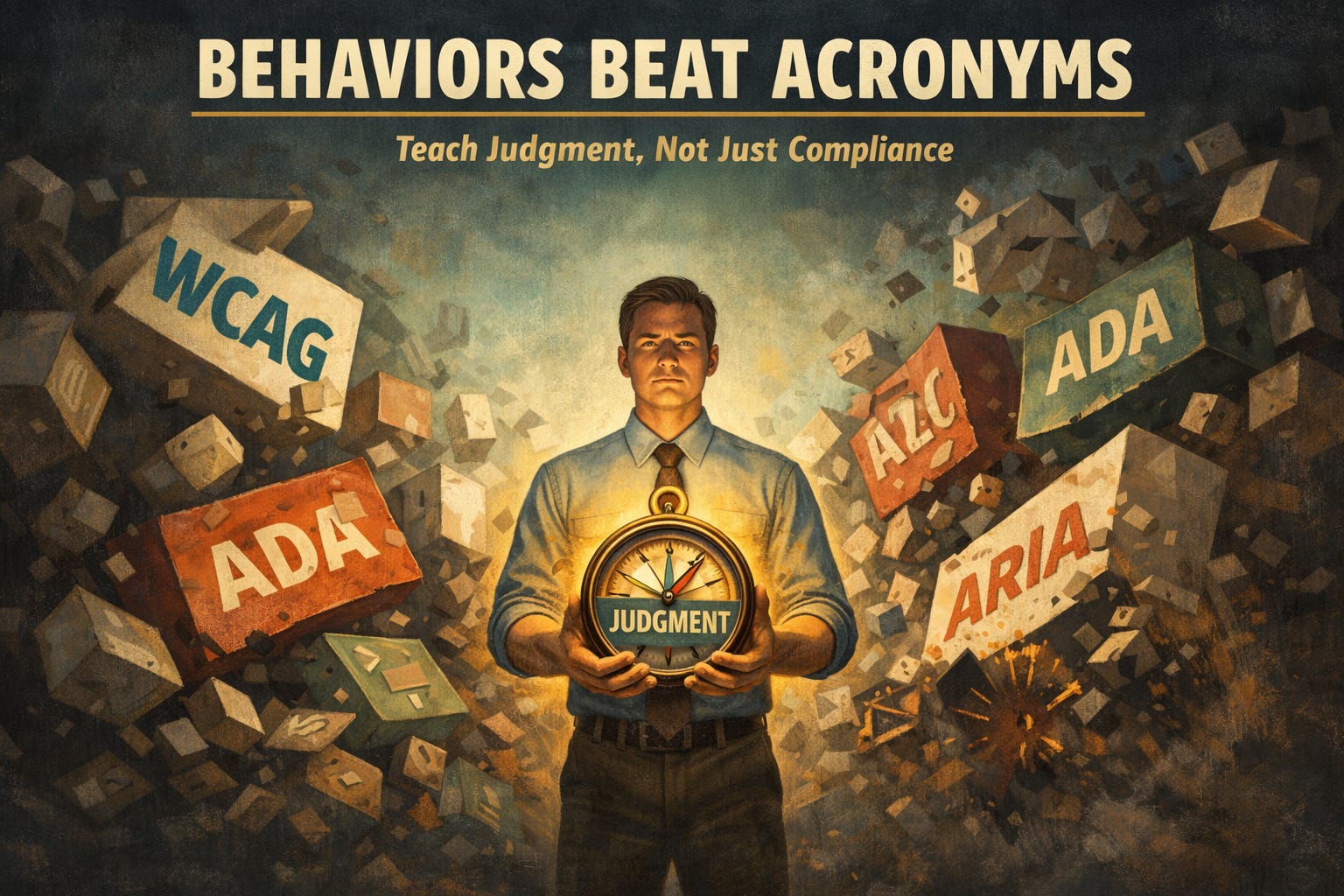
Hot take: We intentionally de-emphasized the industry’s alphabet soup of compliance standards and legal citations.
I know. But here’s what actually happens when you lead with jargon: people’s eyes glaze over. They memorize just enough to pass a quiz and forget it by Thursday.
Instead, we taught judgment. Is this a cosmetic friction (annoying but usable) or a total functional blocker (someone literally cannot complete the task)? That distinction changes how you prioritize what to fix. And it sticks in your head way longer than a four-letter acronym.
Behaviors beat acronyms. Every time.
Accessibility is Not a Monolith
A blended course where designers, developers, and managers all sit through the same content is a strategic failure. You end up overloading designers with code snippets and underserving developers with vague design theory. Everyone leaves feeling like the training wasn’t for them. (Because it wasn’t.)
We built role-specific mental models:
Designers get the Pyramid Model. Intent. Set the foundation upstream so barriers never reach a prototype. Prevent problems before a single line of code exists.
Developers get the Layer Model. Mechanics. The implementation-level decisions that determine whether assistive technology can actually parse your interface.
Managers get the Lifecycle Model. Process and risk. Define what “Ready” and “Done” actually mean when accessibility is part of the acceptance criteria, not an afterthought someone flags two days before launch.
Different roles, different mental models, same quality standard.
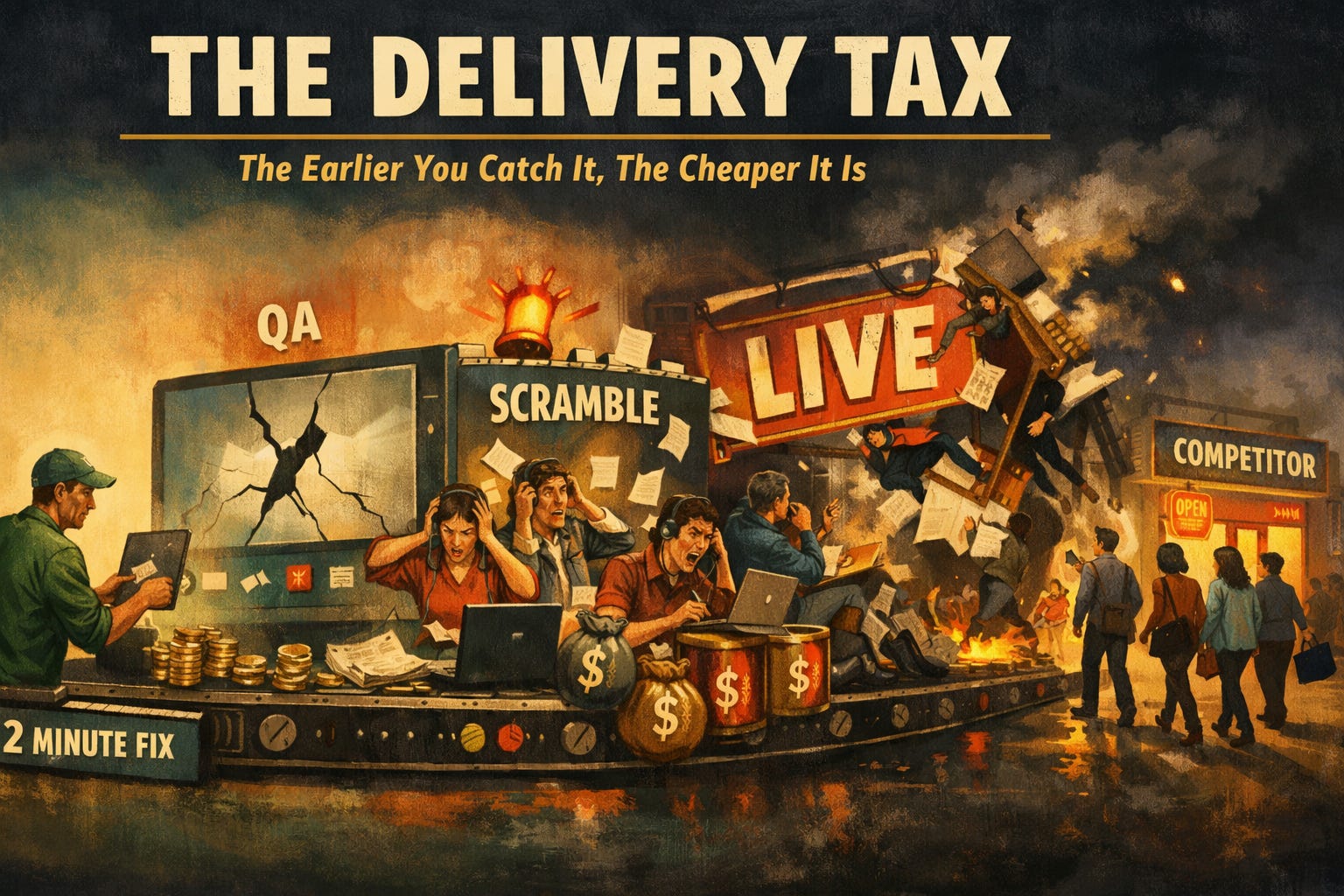
The Delivery Tax
Here’s the math that makes executives pay attention.
A missing label caught while a developer is still writing the code costs 2 minutes to fix. Caught by an automated scanner before it ships? 10 minutes, plus pushing the fix through again. Caught by the QA team? Now a developer has to context-switch back to the old code they haven’t touched in two weeks. That’s not 10 minutes. That’s half a day of destroyed momentum.
Caught after it’s live and in front of real users? People can’t complete real tasks. They leave. They go to your competitor. And now you’ve got a backlog of problems that’ll take months to unwind.
The earlier you catch it, the cheaper it is. We already apply this logic to security and performance. Accessibility just hasn’t caught up yet.
What Comes Next
None of this works if it’s a one-time initiative. Content decays. Standards evolve. People rotate teams. The real play is embedding accessibility experts in every product team and building a training system that continuously refreshes itself.
The question I keep coming back to: if you stripped every acronym out of your accessibility strategy today, would your team still know how to build for everyone?
If the answer is no, you’ve got a training problem. And it’s probably buried in a wiki somewhere.
I wish someone would personalize trainings at my place of business. I spend too much time doing exactly what you said - zoning out or half listening because nothing in the training is relevant to me.